MBXRemote
Control MusicBee Remotely from Windows Desktop
MBXRemote
MBXRemote - MBXRemote is a Windows desktop remote client for MusicBee, providing complete remote control for your music library over your network. Control your MusicBee music player from any Windows PC on your network. Full library sync, playback control, queue management, and powerful hotkey automation.
Quick Links
- Online Documentation - Browse all docs in your browser
- Feature Overview - Complete feature guide
- Download MBXRemote
What is MBXRemote?
MBXRemote is a Windows app implementing the full MusicBee Remote Protocol provided by the (MBRC) Music Bee Remote Control Plug-in to Control playback, browse your library, manage playlists and queues, and MORE.
This Windows APP uses the Music Bee remote plugin to bring Music Bee Remote functionaity (like the Android or IOS aps) to Windows desktop.Using tntctl (🪼) technologies for Library sync and offline browsing.
Key Features
Automatically discover MusicBee instances on your network via UDP broadcast. Save favorites for quick reconnection.
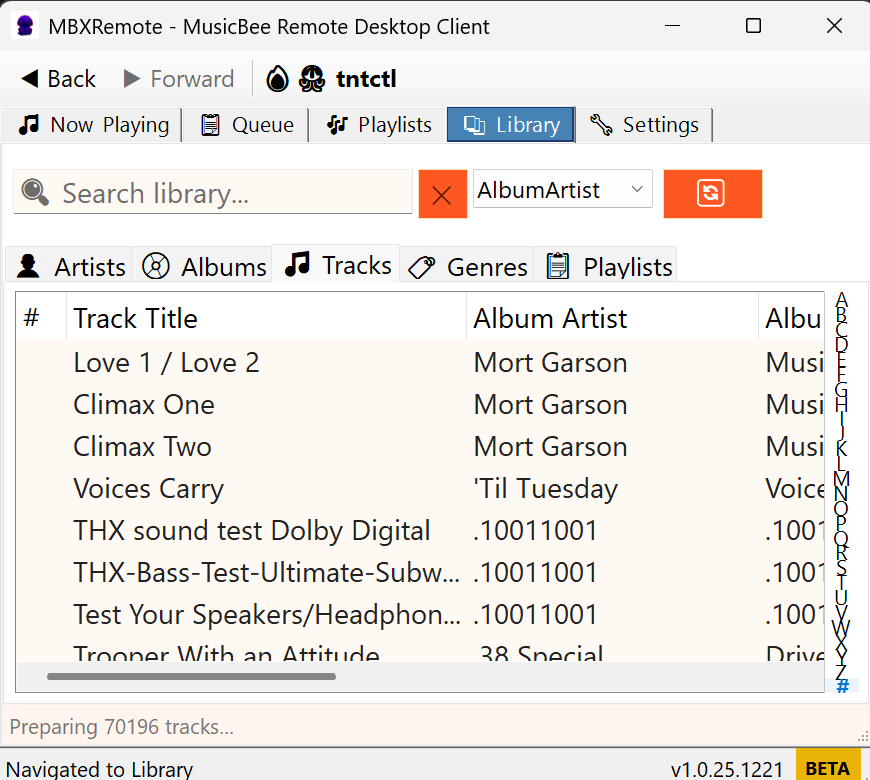
Full library synchronization with SQLite caching. Browse 200,000+ tracks offline with virtual list performance.
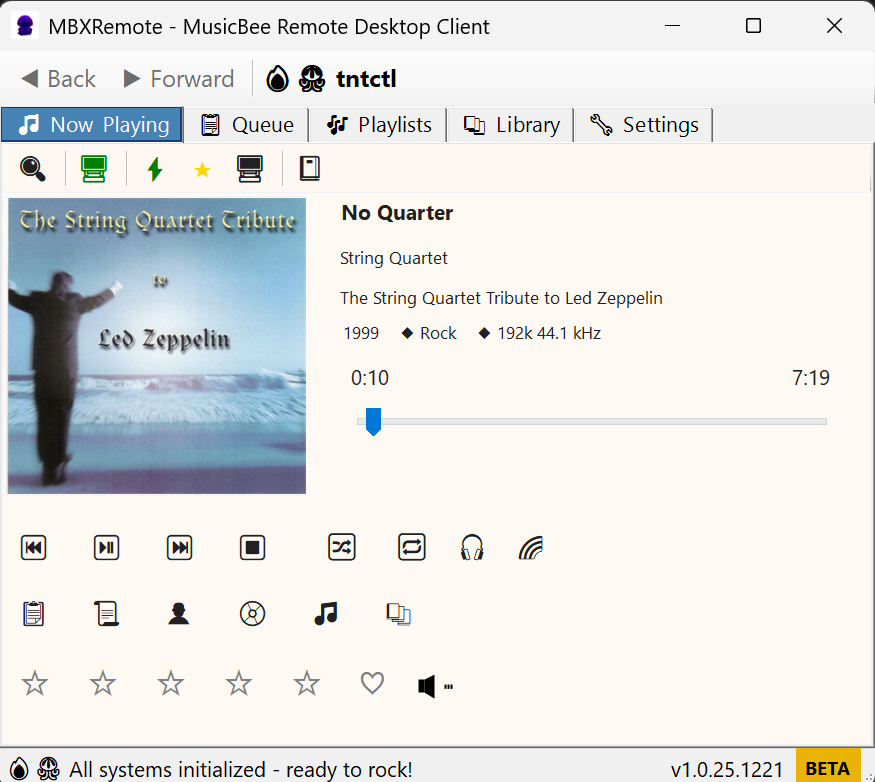
Complete transport controls: play, pause, stop, next, previous. Volume management with multi-layer stack visualization.
System-wide keyboard shortcuts for all major functions. Initiator Actions for custom automation scripts.
Professional multi-tab UI with Now Playing, Library, Playlists, Queue, and Settings views.
Minimize to system tray with context menu controls. Toast notifications for track changes.
Download and Installation
Get MBXRemote
Latest Version: 1.0.25.1221
Download MBXRemote v1.0.25.1221Runtime Requirement
.NET 8.0 Runtime is required to run MBXRemote.
If not installed, the application will automatically prompt you to download it from Microsoft.
Download .NET 8.0 Runtime manually
Portable Application
No installation required. No uninstall needed. Download, Extract, Run.
Config saved to %APPDATA%\MBXRemote\ - delete this folder to remove all settings.
Screenshots
Main Window
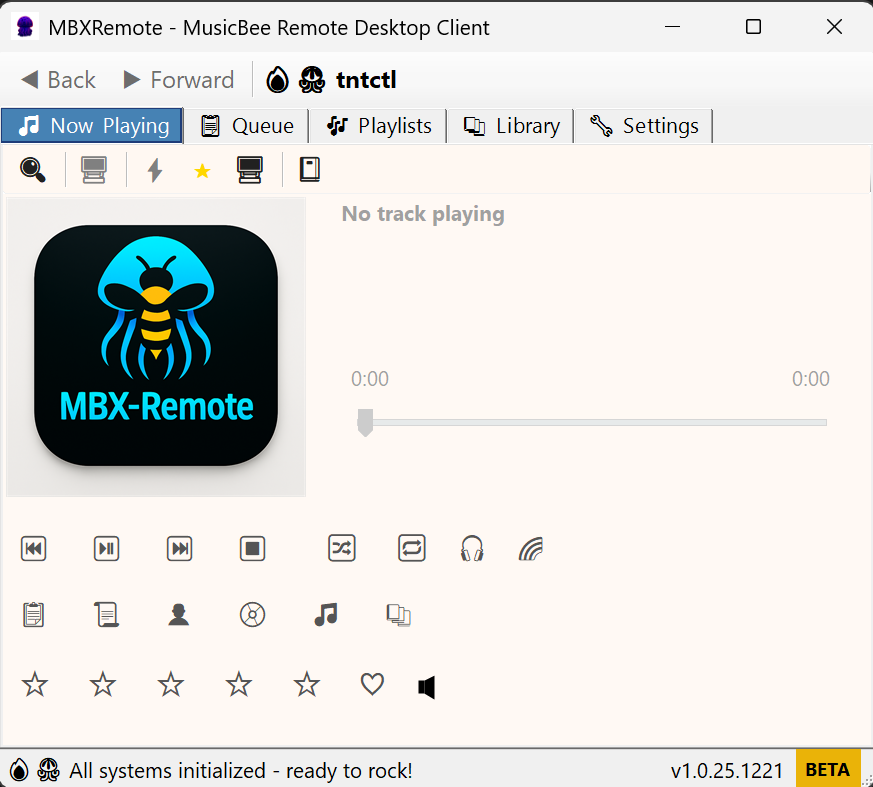
Now Playing & Tabbed Interface
Library Browser
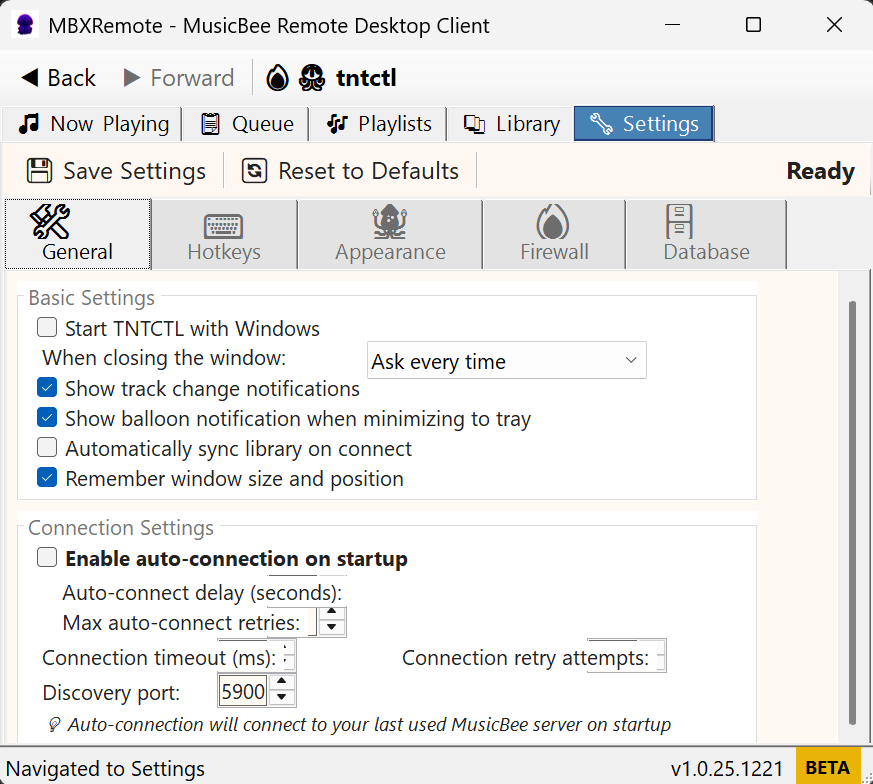
Settings
Quick Start
- Launch MBXRemote.exe
- Auto-discovery finds MusicBee on your network
- Connect to your MusicBee instance
- Control playback, browse library, manage queues
Essential Keyboard Shortcuts
| Shortcut | Action |
|---|---|
| Space | Play/Pause |
| Ctrl+Right | Next track |
| Ctrl+Left | Previous track |
| Ctrl+Up/Down | Volume control |
| Ctrl+M | Mute toggle |
| Ctrl+Alt+A-L | Navigate tabs 1-10 |
| Ctrl+T | Minimize to system tray |
Requirements
- Windows 10/11 (64-bit)
- .NET 8.0 Desktop Runtime
- MusicBee 3 (latest recommended) with Remote plugin v3.0+
- Local network access (ports 5900 UDP, TCP for connection)